
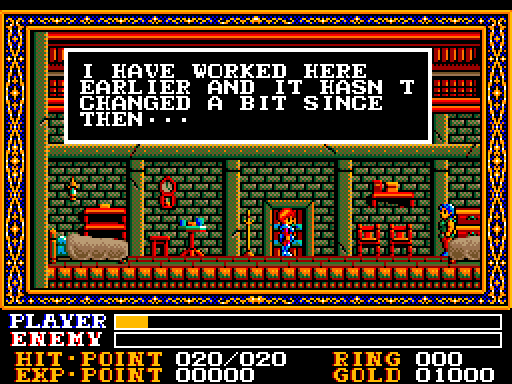
When the opening sequence appears, press X to begin. Afterward, when the “SET USER DISK” message is displayed, click the A drive icon, go to the “Select Disk” menu, and choose one of the disks numbered 5 through 7: disk 5 corresponds to “Easy” difficulty, disk 6 to “Normal”, and disk 7 to “Hard”. After swapping the disk, press RETURN(Enter). Shortly thereafter, a “SET SCENARIO DISK” message will appear; at this point, switch back to disk 1 and press RETURN again.
Key Input
- ←→ Move
- ↑ Entering the door
- ↓ Crouch
- X Jump
- C Attack, Talk to an NPC
- S Show Status
- I Show Inventory
- Esc Pause
Help
You can load by pressing F1 and save by pressing F4, but you can also use the save/load functions of the WebMSX emulator.