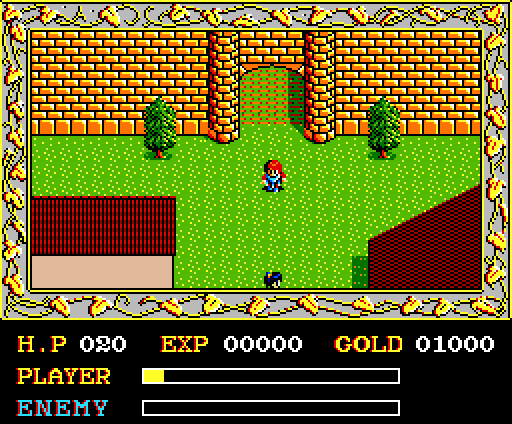
Ys III: Wanderers from Ys (English Ver.)

When the opening sequence appears, press X to begin. Afterward, when the “SET USER DISK” message is displayed, click the A drive icon, go to the “Select Disk” menu, and choose one of the disks numbered 5 through 7: disk 5 corresponds to “Easy” difficulty, disk 6 to “Normal”, and disk 7 to “Hard”. After … “Ys III: Wanderers from Ys (English Ver.)” 더 읽기
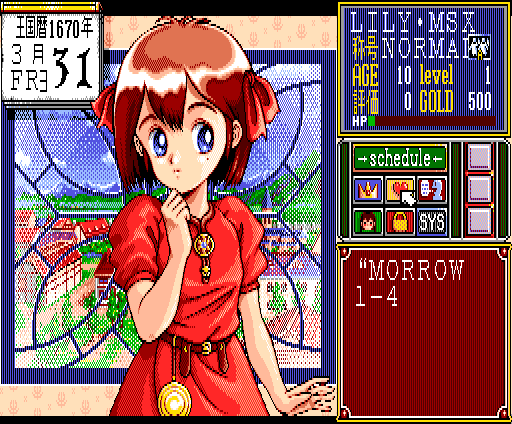
Princess Maker (English Patch Ver.)

When starting, enter the family name, the girl’s name, blood type, and birthday in that order. Key Input ↑↓←→ Move cursor Space Select Esc Cancel Help The alphabetical order for entering names is as follows: A B C D E F G H I J K L M N O P Q R S T … “Princess Maker (English Patch Ver.)” 더 읽기

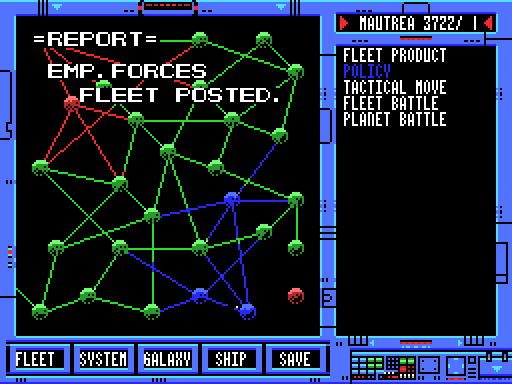
Daiva Story 4 - Asura’s Bloodfeud (English Patch Ver.)

Key Input Space or RETURN(Enter) Game Start, Select Menu Item ↑↓←→ Cursor Move Esc Command Pass, Cancel F1F2F3F4 Show Status Esc+Space In fleet battles, press to start the attack after deploying the fleet. In planet battles: ←→ Move Left and Right ↑ Jump ↓ Duck Space Shoot Esc Pause

Hydlide 2 - Shine of Darkness (English Ver.)

Key Input ↑↓←→ Move Space Select Menu Item, Attack/Defend RETURN(Enter) Game Start, Open Menu, Exit Menu Item 0(Num) Talk Mode D Drop Item Esc Pause SELECT(F10) Scroll ON/OFF F1F2F3F4F5 Use Magic Help To start the game, select the second item from the menu to create a character, then go to the first item, select the … “Hydlide 2 - Shine of Darkness (English Ver.)” 더 읽기

New Devil Golvellius (English Patch Ver.)

Key Input ↑↓←→ Move Space Game Start, Attack Shift Open Status window (in the field only) STOP(F9/Pause) Pause Help Holding down the Space key will make the sword stay drawn for a bit longer. Entering a black square on the field will take you into a room where you can get a hint or a … “New Devil Golvellius (English Patch Ver.)” 더 읽기

삼국지 (Romance of the Three Kingdoms) [번역판]

텍스트가 영어로 번역되고 장수 이름이 한국어로 패치된 버전입니다. 게임 시작하기 타이틀 화면이 뜨고 약 4초 정도 지난 후에 Space를 누르고 밑에 메시지가 뜨면 바로 RETURN(Enter)을 누릅니다. 그 다음 화면에서 [1]은 새로 시작, [2]는 테이프에서 데이터 읽기입니다. 1을 누르고 RETURN(Enter)을 누릅니다. 새로 시작하면 시나리오를 선택합니다. 1번부터 5번까지 순서대로 동탁 타도, 조조의 대두, 새로운 시대, 삼고초려, 삼국시대입니다. … “삼국지 (Romance of the Three Kingdoms) [번역판]” 더 읽기

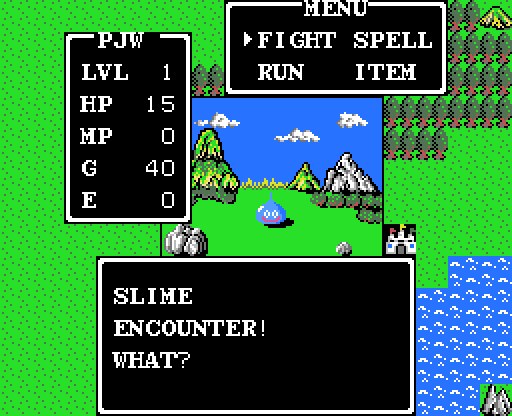
Dragon Quest (English Patch Ver.)

Key Input Space Game Start, Open menu, Select menu item ↑↓←→ Move Shift Exit from menu Help If you select “Talk” from the menu, a menu appears allowing you to specify the direction in which the character you wish to speak to is located. The character must be in that direction for the conversation to … “Dragon Quest (English Patch Ver.)” 더 읽기

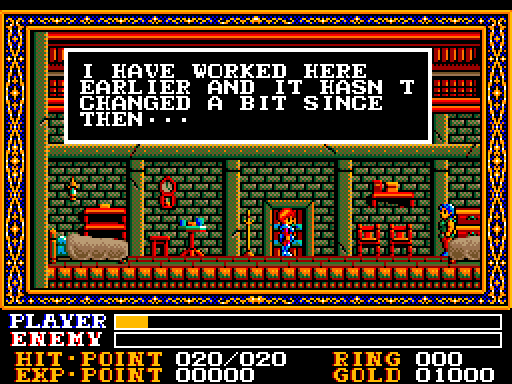
Ys II: Ancient Ys Vanished – The Final Chapter (English Ver.)

Key Input Space Game Start, Select, Use Magic ↑↓←→ Move S Show Status E or Z Show Equipment I or X Show Inventory RETURN(Enter) Use Item Shift Show text quickly Esc Pause Help Attacks are performed via body slams. Equipment is equipped by opening the window with the E key. On the equipment screen, select … “Ys II: Ancient Ys Vanished – The Final Chapter (English Ver.)” 더 읽기

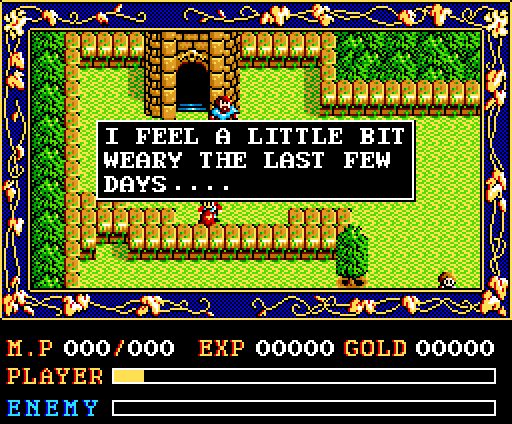
이스 Ⅰ: 잃어버린 고대 왕국 이스 (イースⅠ / Ys I: Ancient Ys Vanished)

키 조작법 Space 게임 시작, 항목 선택, 인벤토리 열기 ↑↓←→ 이동 S 캐릭터 상태 보기 I 인벤토리 열기 R 책 읽기 RETURN(Enter) 아이템 사용 Esc 일시정지 도움말 공격은 몸통박치기 식으로 합니다. 처음 마을의 상점에서 무기와 방어구를 구입한 후 Space 키로 인벤토리를 열어 장착합니다. 인벤토리 화면에서 ↑↓ 키로 종류를 선택, ←→ 키로 장착할 장비를 선택합니다. 붉은 … “이스 Ⅰ: 잃어버린 고대 왕국 이스 (イースⅠ / Ys I: Ancient Ys Vanished)” 더 읽기